Choose which relays can authenticate your account
Choose account-specific relay permissions, allow a relay across connected sites, and revoke access with clear privacy boundaries.
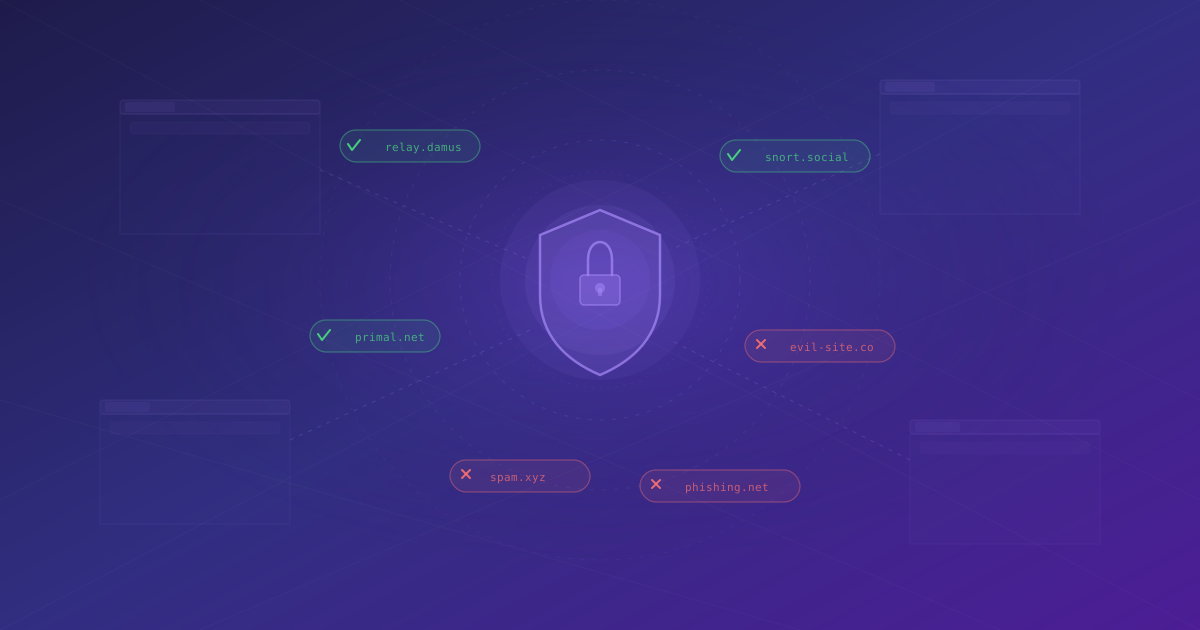
Nostr WoT treats relay authentication as a separate permission. Connecting a website to your account, or letting it sign ordinary events, does not silently authorize it to identify you to every relay it chooses.
This guide covers Nostr WoT 0.8.7.
HTTP APIs have different permission boundaries. See the companion backend authentication guide.
A website and a relay are different parties
A Nostr client at https://client.example might connect to
wss://relay.example. The different domain is normal: clients often use multiple
independently operated relays.
Under NIP-42, a relay sends a challenge and the client requests a signed authentication event. That proof identifies the signing public key to the relay. It does not give the relay the private key or permission to sign other events.
The extension shows the requesting website and a short sentence naming the relay. You can inspect the complete event with the code button. Relay authentication is not an HTTP request, so it has no HTTP method to display or approve.
Choose the scope that fits your use
| Choice | What it allows |
|---|---|
| Approve | The current authentication request |
| Approve always | This website authenticating this account to this relay |
| Always for all sites | Any connected site with identity access authenticating this account to this relay |
| Reject | Reject the current request |
| Reject always | Remember a denial for this website, account and relay |
The remembered options are in the arrow menus beside Approve and Reject. A relay permission uses the normalized relay URL, not just the displayed hostname, so a shared hostname does not automatically authorize another relay path or port.
Always for all sites is an explicit convenience option. If you use several clients with the same relay, it avoids granting that relay separately in each client. It remains limited to the approving account and that relay. It does not connect new sites, grant them identity access, cover other accounts, approve ordinary event signing, or authorize HTTP backends. It can also apply to sites you connect later; choose the site-specific option when you want a smaller scope.
A site-specific remembered denial takes precedence over an all-sites allowance. A site's identity access being disabled, or its connection being removed, still blocks authentication. These checks also apply when signing is delegated to a NIP-46 bunker.
Review and revoke permissions
Open Permissions for the active account and scroll to the authentication section at the bottom. The table contains site-specific backend and relay grants. The link below it opens a separate table for relay authentication allowed across all connected sites. Each entry can be revoked individually; there is no second account selector because these views follow the active account.
Disconnecting a website removes its site-specific grants. An intentionally shared relay grant remains available to other connected sites, but cannot serve the disconnected site. Deleting an account clears its authentication grants.
Revocation affects subsequent signing decisions. It does not undo a proof already sent or close a WebSocket session that the client has already authenticated. To end that connection, the client must disconnect from the relay.
Protection against misleading requests
The extension obtains the requesting origin from the browser's document identity. A page cannot choose a different trusted origin by supplying an RPC field. Authentication requires a top-level frame: even a same-origin iframe cannot use this path. Opaque or inconsistent origins are refused. Secure page and relay transports are required outside explicit loopback development exceptions.
Required relay and challenge tags must be unambiguous. Invalid URLs, unexpected content and stale timestamps are rejected, including after a request has waited for approval or unlock. Generic signing grants and ordinary bulk approval cannot bypass destination consent. Account-session checks prevent queued work from being signed under a different account after switching.
Remote signer responses are checked against the exact approved event and expected account signature, so substituting a different relay or challenge is rejected. The backend guide explains the shared request and remote-signature boundaries in more detail.
The relay must still validate its connection
The extension signs the relay URL and challenge supplied by the client; it does not own the client's WebSocket. The relay must validate the signature, relay address, freshness, and challenge for the connection being authenticated.
Consequently, a signer cannot prove that a client obtained its challenge honestly or prevent every challenge-forwarding scheme. An all-sites grant deliberately trusts connected clients to authenticate this account to the selected relay. It is not evidence that every such client is benign.
Authentication reveals the signing public key to the relay. Reusing an account across clients can make those authenticated connections linkable at that relay. Use separate accounts or narrower grants when that distinction matters. CORS is not the protection for this flow: relay connection validation and the extension's account/site/destination permission checks serve different roles.