Zaps, Meet Your Wallet
We added a Lightning wallet to the extension because zapping should be as easy as liking a post. Get a wallet, claim your Lightning Address, and start zapping.

Leon Acosta
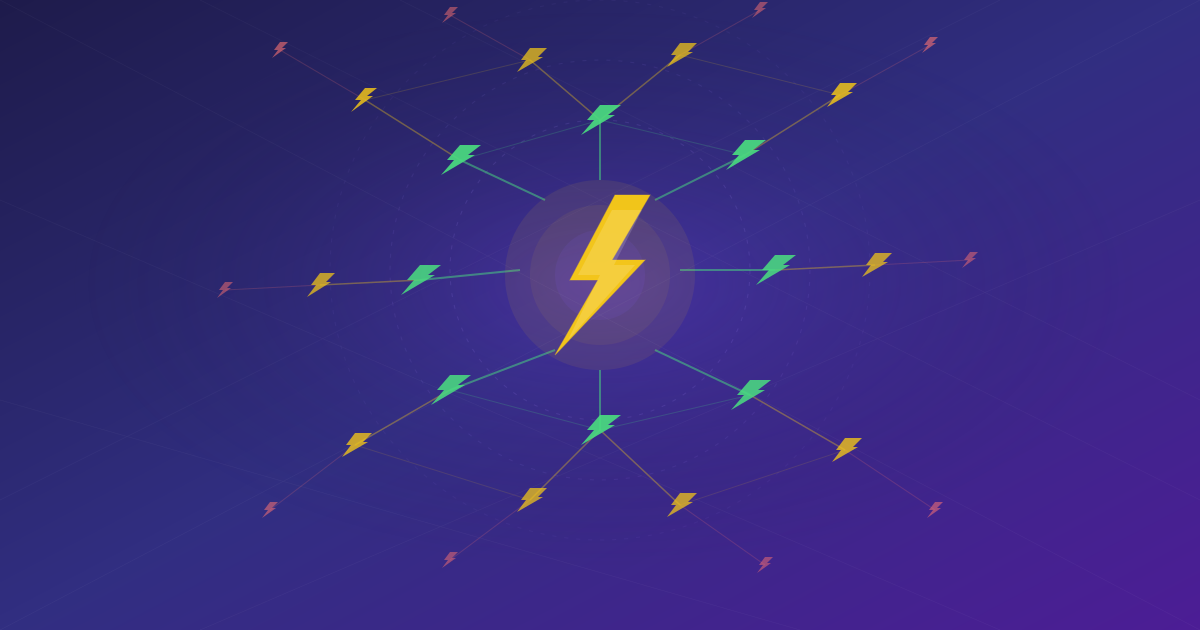
Zapping on Nostr should feel effortless. You see a great note, you want to throw some sats at it, done. But in reality? You need a separate wallet app, maybe a separate browser extension, sometimes you're copy-pasting invoices between tabs. It's friction where there shouldn't be any.
The extension already handled identity and trust — your keys, your follow graph, your permissions. But every time we wanted to zap someone, we had to reach for a completely different tool. It felt like having a car with no gas pedal.
So we built one in. The Nostr WoT Extension v0.3.0 now includes a Lightning wallet. Your identity, your trust network, and your payments all live in the same place. No more juggling extensions. No more context-switching just to send 21 sats.
Three Ways to Connect
Not everyone wants the same wallet setup, so we built three options.
Quick Setup
One click. The extension creates a wallet for you automatically using your Nostr identity. No registration forms, no extra keys, no accounts on third-party sites. Open the wallet tab, hit the button, you're ready to zap.
This is a custodial option — the funds are held by the provider — but it's perfect for getting started. You can always switch to something self-custodial later.
Nostr Wallet Connect
Already have a wallet you like? Keep using it. Paste your NWC connection string and the extension connects to it. Works with Alby, Mutiny, and any NWC-compatible wallet.
Your funds stay with you. The extension just bridges Nostr apps to your existing wallet.
LNbits
If you run your own LNbits instance, connect it directly. Enter the URL and your key, and you're set. Maximum control for those who want it.
Your Own Lightning Address
Here's something we're excited about. When you set up a wallet with Quick Setup, you can claim your own Lightning Address — like [email protected].
Just type the username you want, hit claim, and it's yours. The extension even offers to add it to your Nostr profile automatically, so anyone can zap you just by knowing your address. No configuration, no DNS records, no running your own server. Pick a name and go.
Usernames are 3-30 characters, lowercase letters, numbers, dots, and hyphens. First come, first served.
Zaps Just Work
The extension works as a WebLN provider, which means sites like Primal, Snort, Coracle, and other Nostr clients can request payments directly. You see a prompt, you approve, done. No copy-pasting invoices, no switching apps.
Auto-Approve Small Zaps
This one's a quality-of-life feature that makes a big difference. Set an auto-approve threshold in sats — say, 100 — and any zap at or below that amount goes through automatically. No popup, no interruption.
Scroll through your feed, zap the notes you like, keep scrolling. For those rapid-fire 21-sat zaps, it's a game-changer. You can change the threshold anytime or set it to zero if you want manual approval for everything.
What the Wallet Looks Like
The wallet lives inside the extension popup, right next to your identity and trust features.
- Balance at the top — always visible
- Deposit with a QR code for receiving sats
- Send by pasting an invoice — you see the amount before confirming
- Transaction history with search and pagination
- Settings to switch providers, claim your Lightning Address, or adjust the auto-approve threshold
Open the popup, do what you need, close it. It stays out of your way.
Same Security as Your Keys
Your wallet credentials are encrypted in the same vault as your Nostr keys. Each website gets its own permission scope, so a site you trust for zapping can't silently do anything else. Wallet features only work on secure connections.
Your keys and your sats get the same protection. That was non-negotiable.
Identity, Trust, and Now Payments
Three releases in, and the extension handles your entire Nostr experience. Your keys are secure. Your trust network tells you who's who. Your wallet lets you put your sats where your follows are. And your Lightning Address gives people a simple way to zap you.
One extension. No juggling.
The extension is open source and available for Chrome, Brave, Edge, Opera, and Firefox. Check the documentation for setup guides.
Questions or feedback? Find us on Nostr or check the documentation.